Replying, saved replies and files
Click Reply at the top of a conversation to open the reply box.
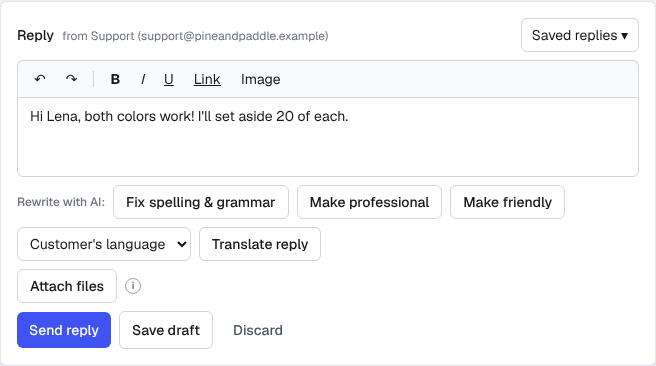
- Format with bold, italic, underline and links. Add pictures with Image, and files with Attach files.
- Saved replies inserts one of your saved replies (text, pictures and files).
- Your reply goes out from the address the customer wrote to, with your signature.
- Send reply sends it. Save draft keeps it for later; drafts also save on their own as you type. Discard throws the draft away.
Your drafts are private to you. My drafts in the inbox filters lists every conversation where you've left one.
Rewrite with AI (Pro)
Write a quick draft, then click Fix spelling & grammar, Make professional or Make friendly. Undo brings your words back.
Reply in the customer's language (Pro)
Under a customer's message, click Translate to read it in your language. To answer in theirs, write your reply, pick the language (or leave Customer's language), and click Translate reply. See Translation.
Saved replies
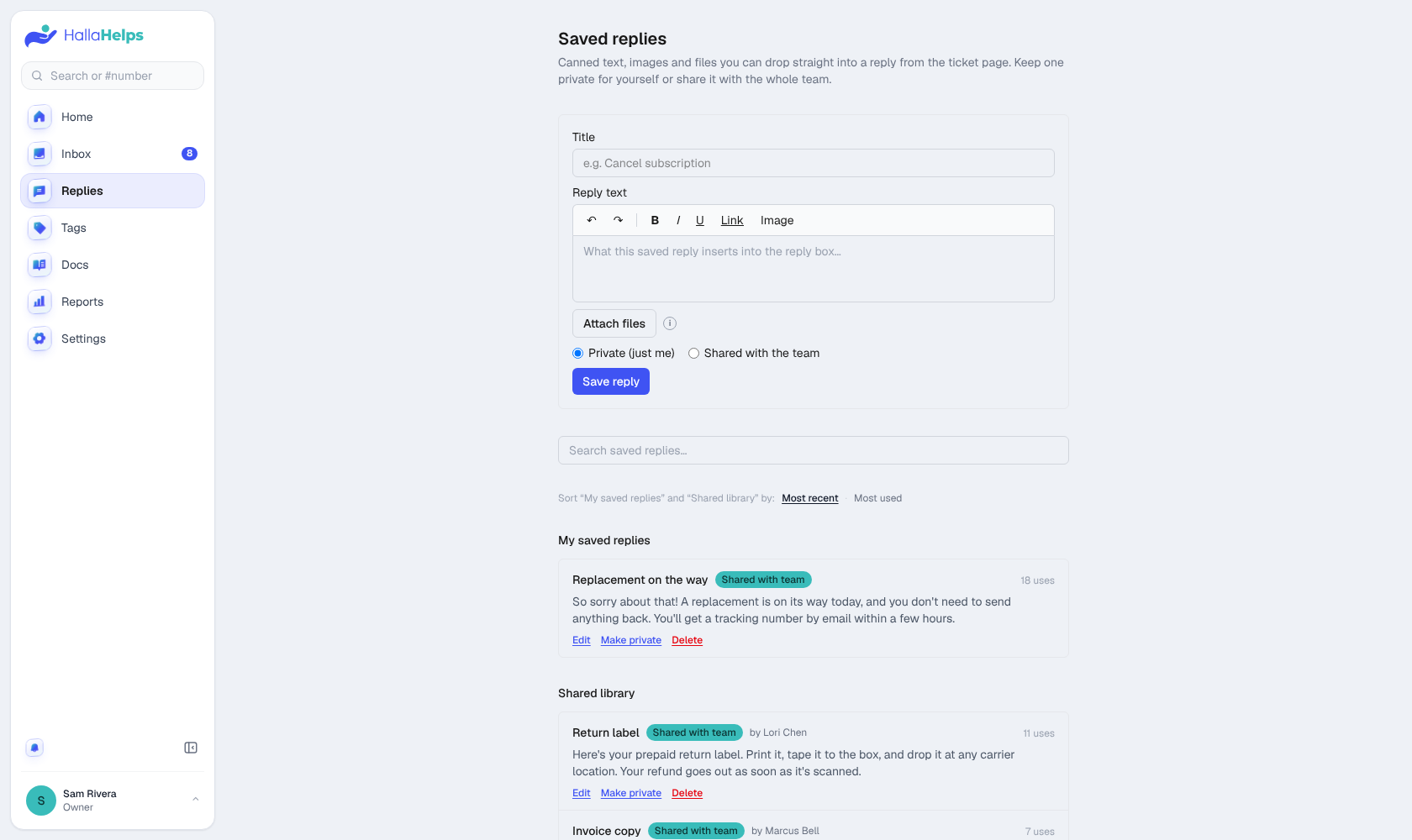
Answers you send often belong in Replies in the menu. Keep one private, or share it with the whole team.
Start a new conversation
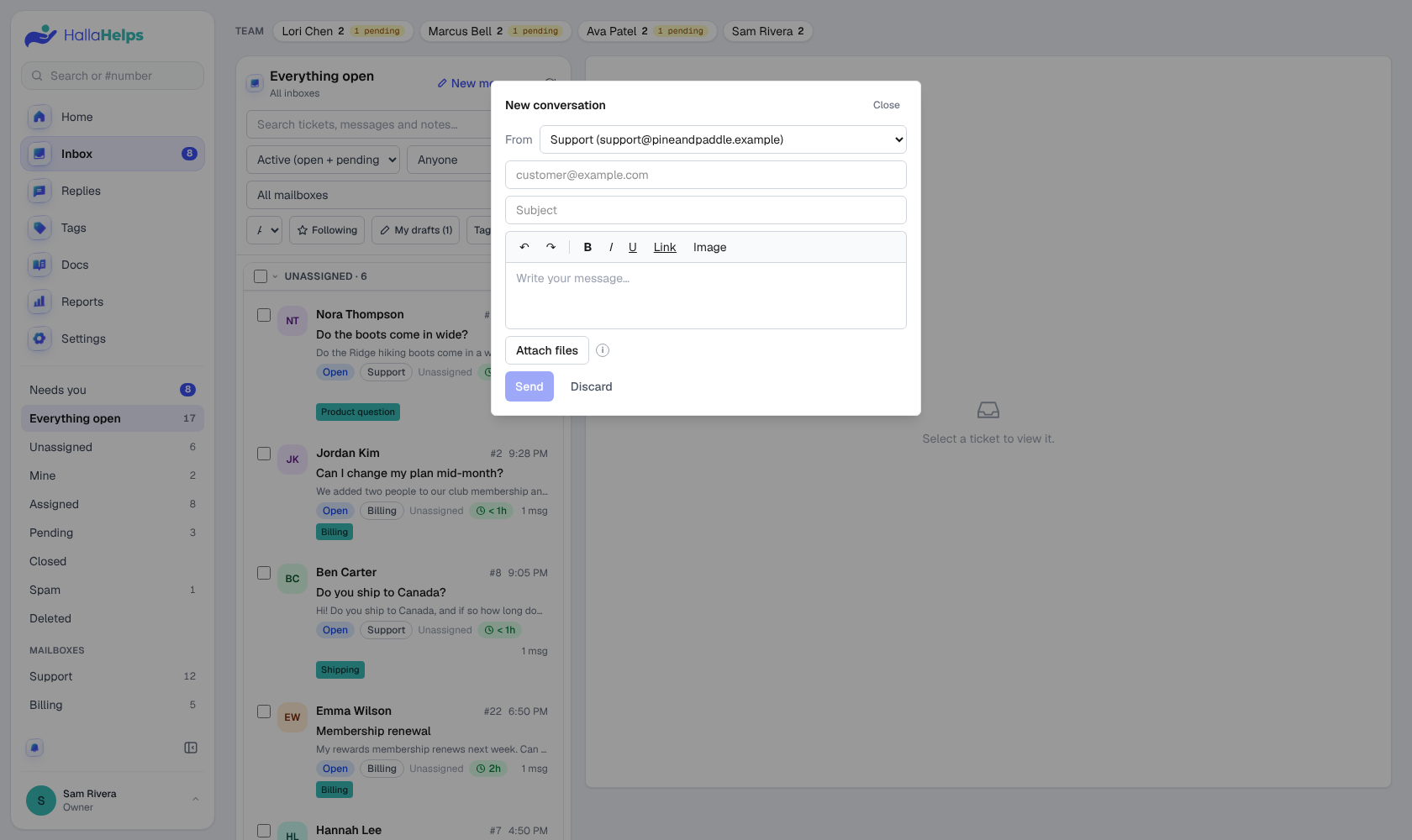
Click New message at the top of the inbox list (or on Home) to email a customer first. Pick which address it comes from if you have several.