
Reports
Owners and admins see how support is going in Reports.
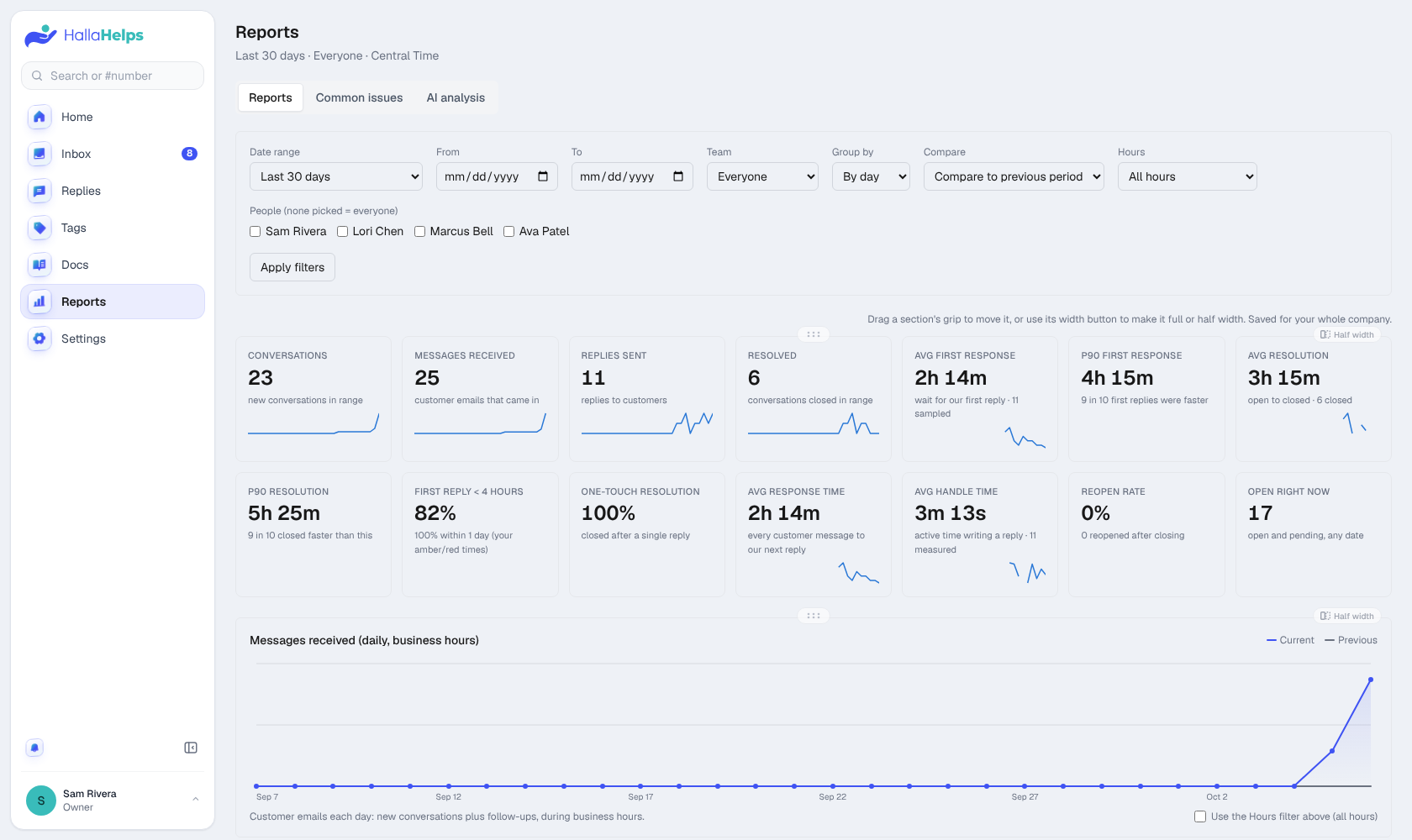
Pick a date range, and optionally a team or people. Every number compares to the period before. Click any number or point on a chart to see the conversations behind it.
You'll find conversations, messages received, replies sent, resolved, first reply time, resolution time, ratings, your top tags and most used saved replies, and a table by person.
Drag a section's handle to reorder it, or make it full or half width. The order is saved for your whole company.
Pro reports
With Pro: response and handle time, 90th percentiles, reopen rate, busiest hours, business-hours-only timing, saved-reply usage, Common issues and an AI analysis of any period.
Today at a glance
Home shows today's new conversations, replies sent, typical first reply time and your rating score, without opening Reports.