
Spam, deleting and restoring
Spam
Set a conversation's status to Spam to move it out of the way. It leaves every list except the Spam folder.
Marked something by mistake? Open it and click the orange Not spam button, or select it in the Spam folder and click Not spam. It goes back to Open.
Deleting
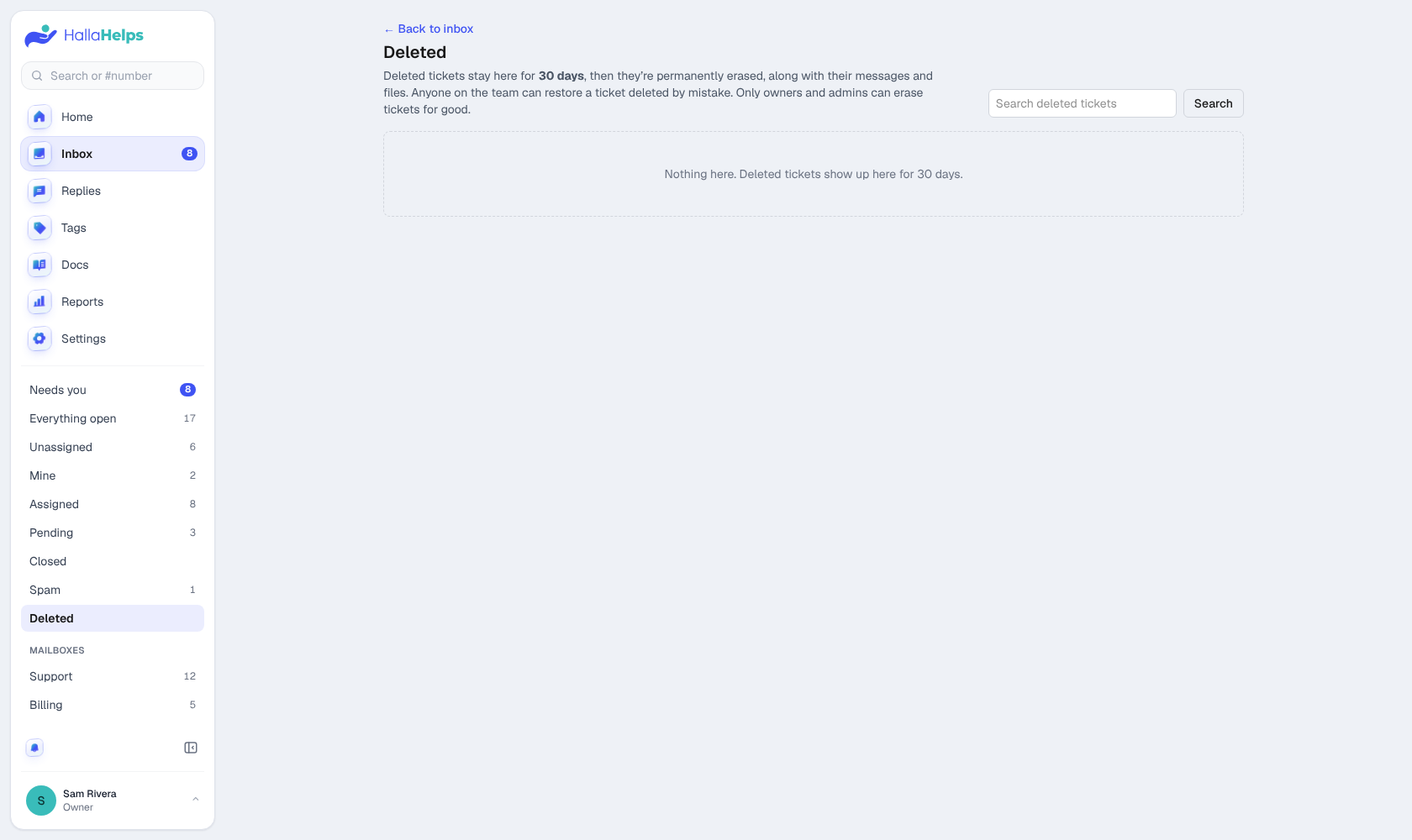
Owners and admins can delete conversations (on the conversation, or with bulk actions). Deleted conversations wait in the Deleted folder for 30 days, where anyone on the team can see and restore them. After 30 days they're erased for good. Owners and admins can also erase them right away.
Merge and split
- Merge: if one customer started two conversations about the same thing, open the one to keep, and in Conversations in the Details panel choose the other to merge in. Its messages move over and it closes.
- Split: if a customer replies to an old conversation with a new problem, click Split into new ticket on that message to give it its own conversation.