
Your data: audit log, export, erase and delete
It's your data, not ours. Owners and admins find these in Settings > Billing and data.
Audit log
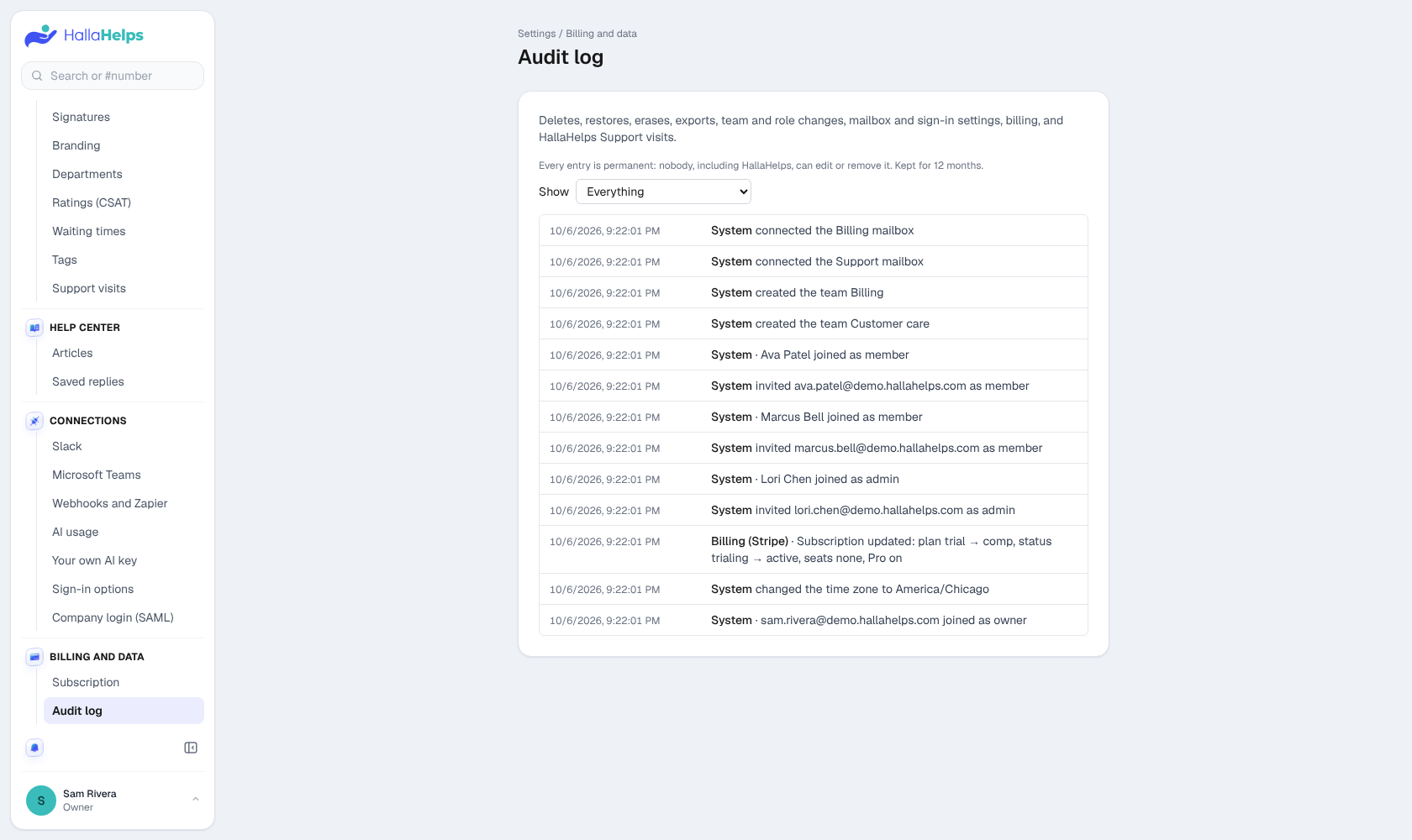
Who did what: deletes and restores, erases, exports, team and role changes, mailbox and sign-in settings, billing, and HallaHelps support visits. Kept for 12 months.
Erase a customer (GDPR)
When a customer asks to be forgotten, permanently erase every conversation from their email address, along with your team's note and the phone number saved for them. On a conversation, click Edit on the Customer card, then Erase this customer.
Export everything (owners)
Download a zip with every conversation, message, file, team member and setting, plus a spreadsheet of conversations. Passwords and connection secrets are never included.
Delete the company (owners)
Deleting locks the company right away, and nothing is erased for 30 days, so an owner can still restore it. After 30 days everything is erased automatically. Once it's scheduled, an owner can choose Delete now to erase everything immediately.