
Company settings
Owners and admins set these in Settings > Company. They apply to everyone.
Mailboxes
The addresses your customers write to. See Connect your support mailbox.
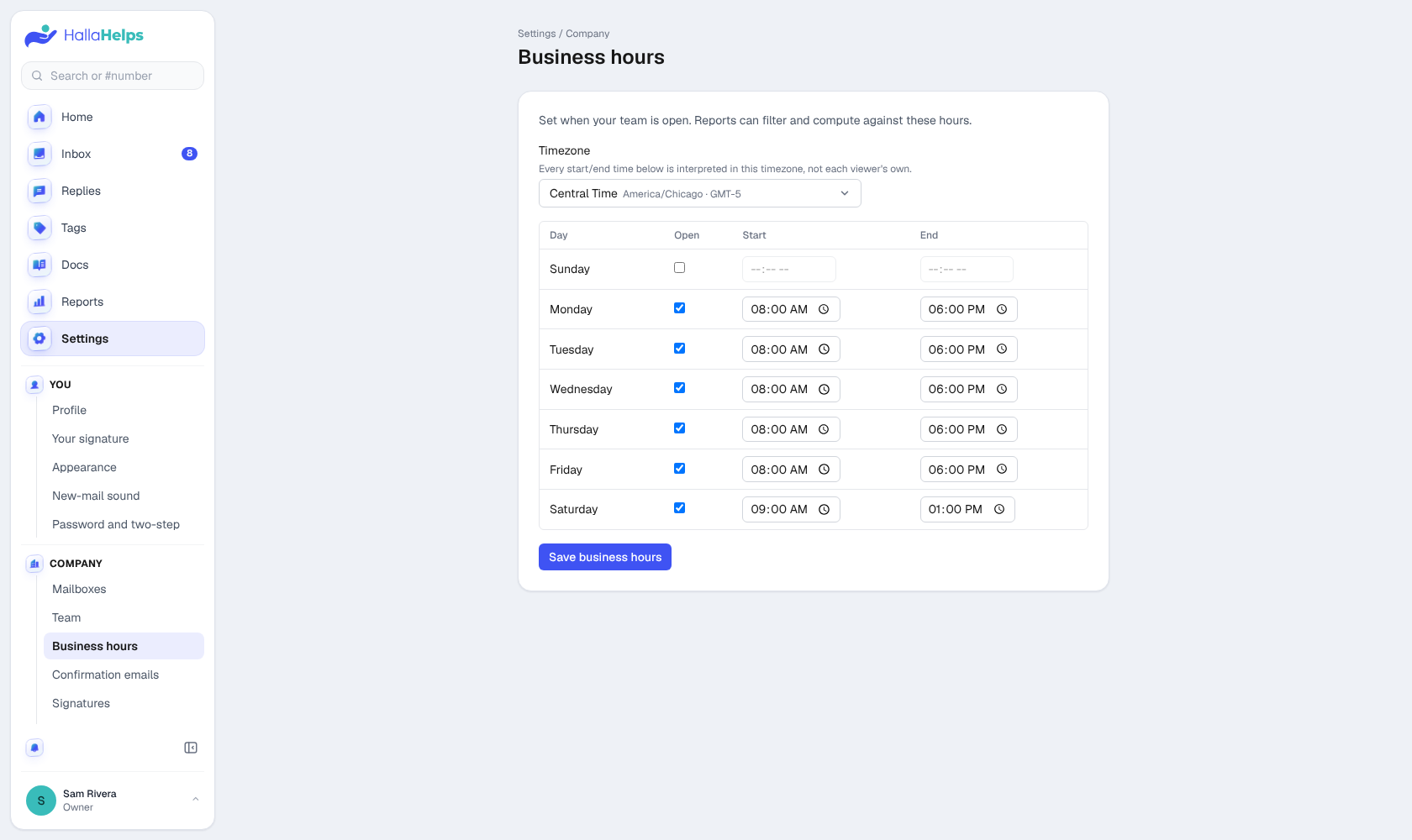
Business hours
When your team is open, in your company's time zone. Reports can count only open hours, and the automatic replies can say different things during and after hours.
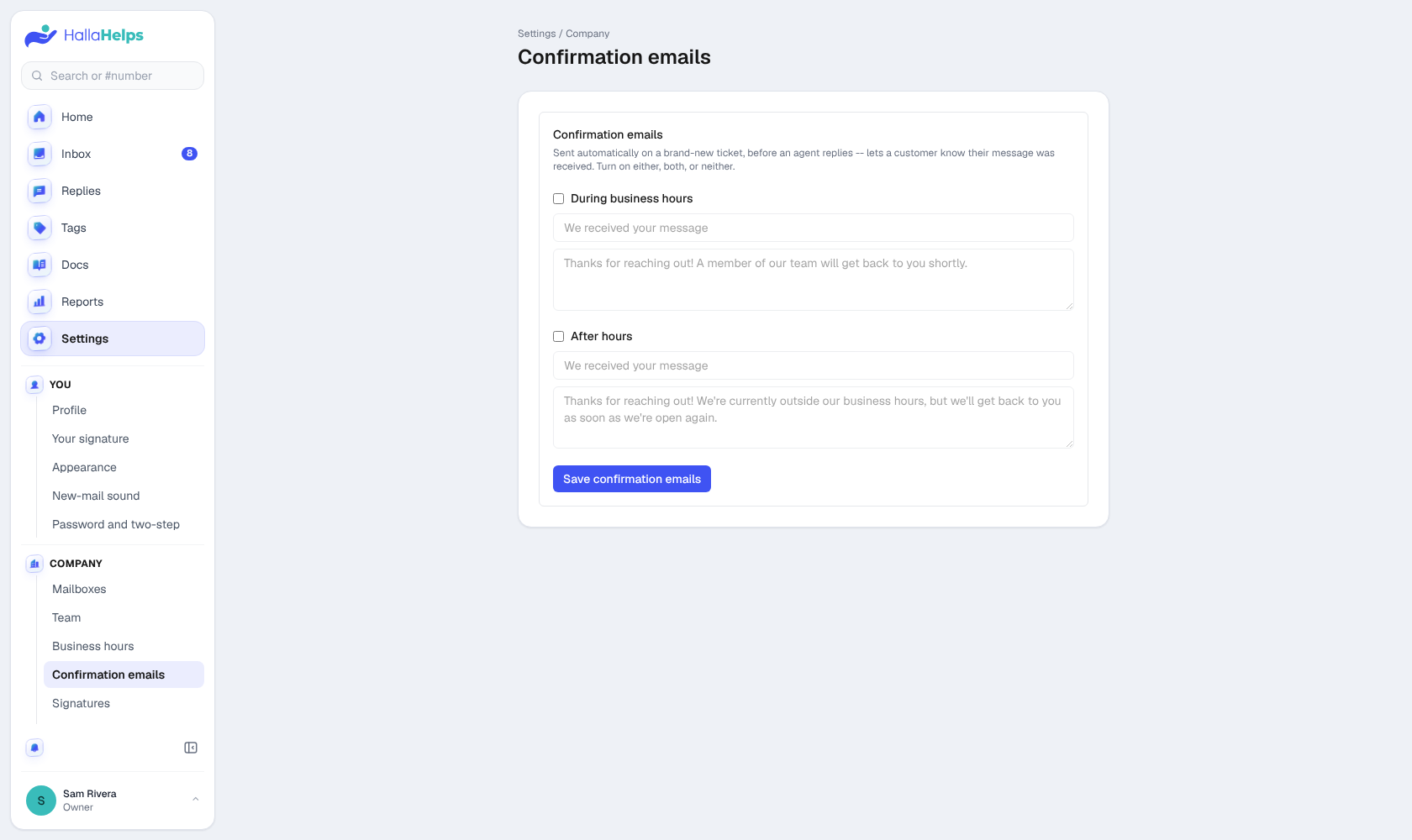
Confirmation emails (automatic replies)
An automatic "we got your message" email on a brand-new conversation, one for business hours and one for after hours. Turn on either, both or neither.
Signatures
Let each person use their own signature, or set one company signature for everyone. A company signature can fill in each person's name, title and phone.
Branding
Your company logo. Your team sees it at the top of the menu, and your customers see it on your help center and on the "How did we do?" rating page. Use a PNG, JPG, WebP, GIF or SVG; it sits on a white tile so it reads in light and dark mode.
Departments
The list people pick their department from in their profile, shown on the team list.
Rules
Sort new email automatically: assign it, tag it, or set its status or priority when it matches the sender, subject, words or mailbox. See Rules for new email.
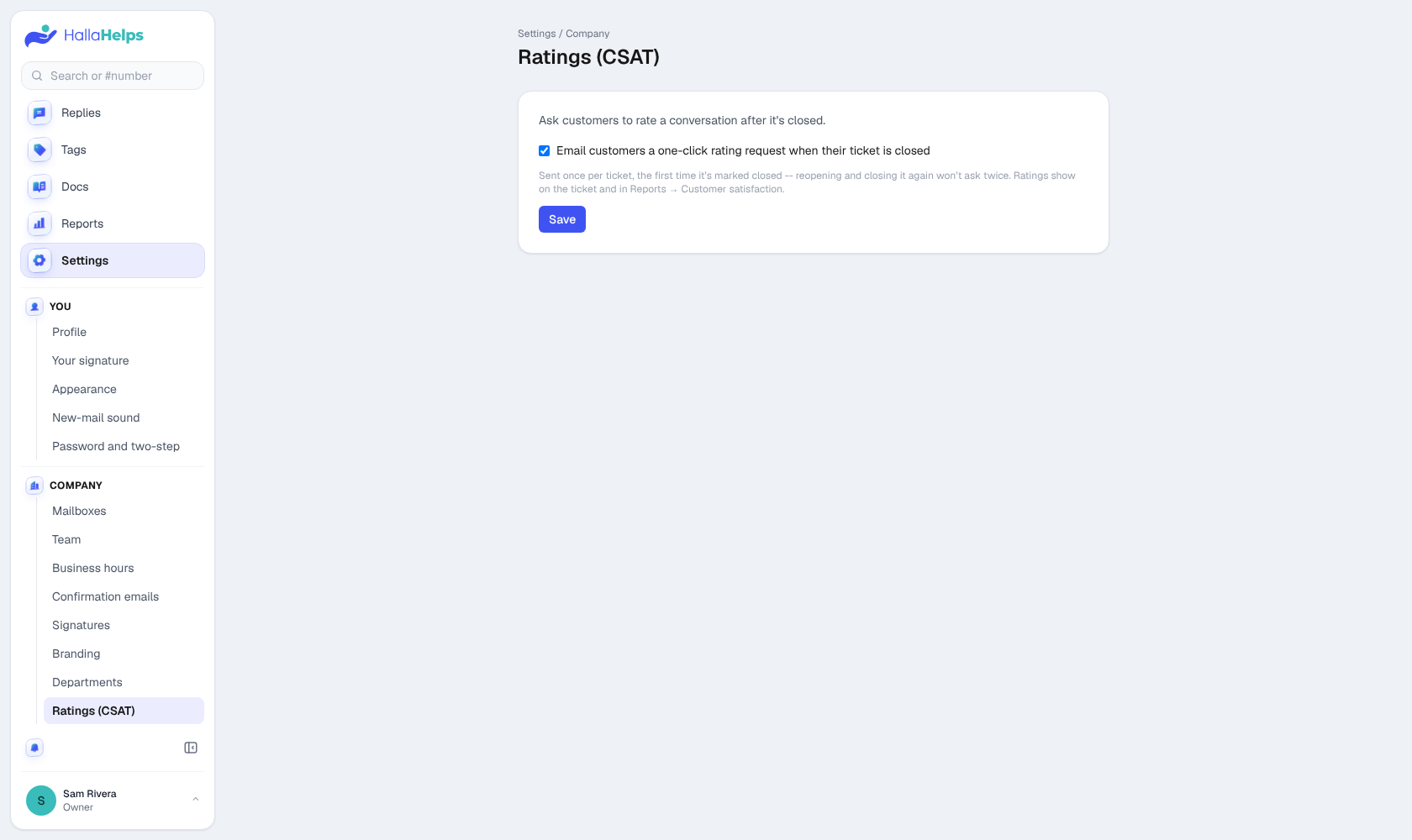
Ratings (CSAT)
When a conversation is closed, email the customer one link to rate it from 1 to 5. Ratings show on the conversation and in Reports. Each conversation is only asked once.
Waiting times
When a customer's unanswered email turns amber, then red, in the inbox. The defaults are 4 and 24 hours.
Support visits
If you ask HallaHelps support to look at your account, each visit (who, when, why) is listed here.