
Your profile, signature and look
Your own settings are in Settings > You. Nothing here changes anything for your teammates.
Profile
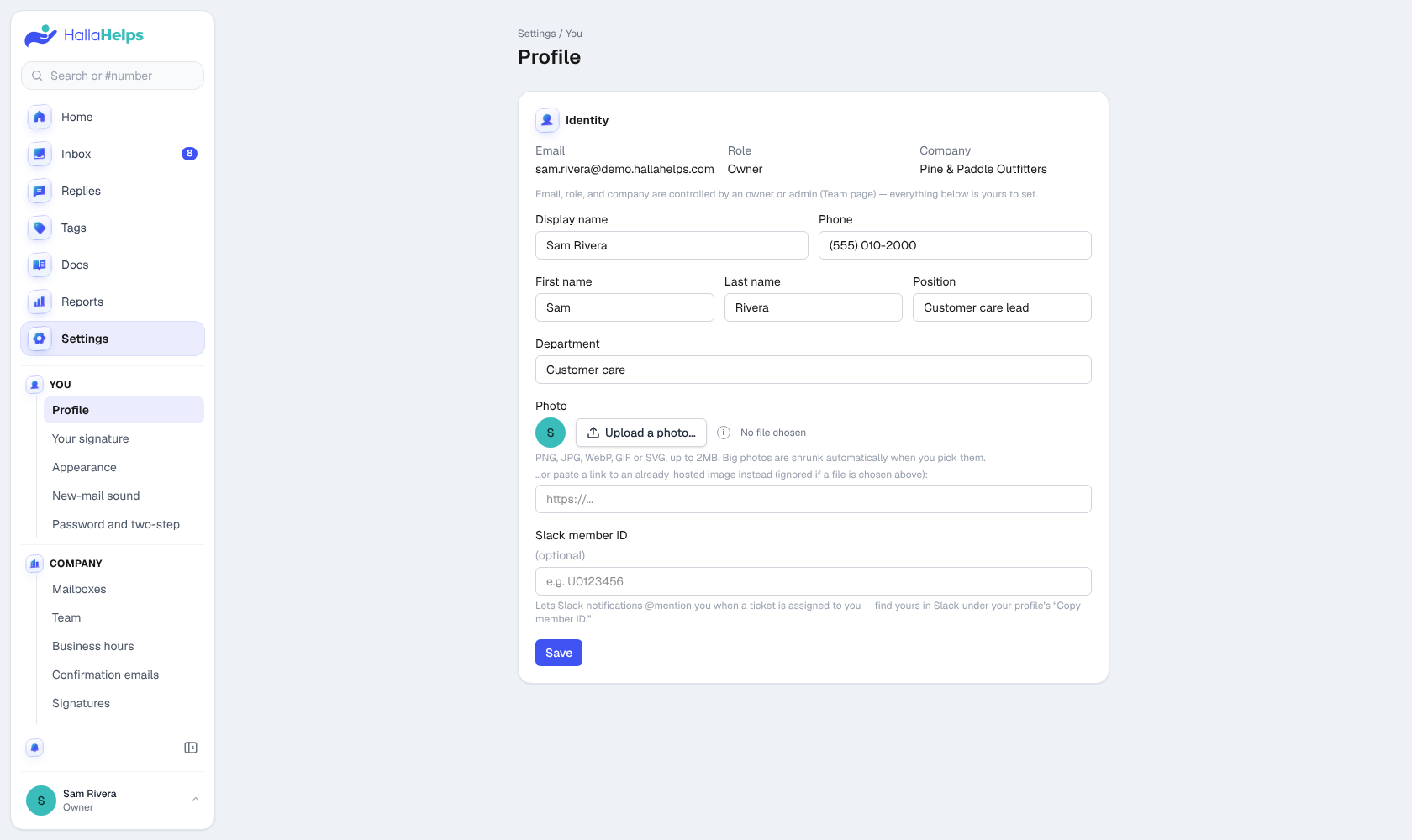
Your name, job title, phone, department and photo. Your name and photo show on your replies and notes, and in the team list. Your email, role and company are set by an owner or admin.
Your signature
Added to the end of your replies. If your company uses one signature for everyone, you'll see a preview with your details filled in instead; update your name, title and phone in Profile to change it.
Appearance
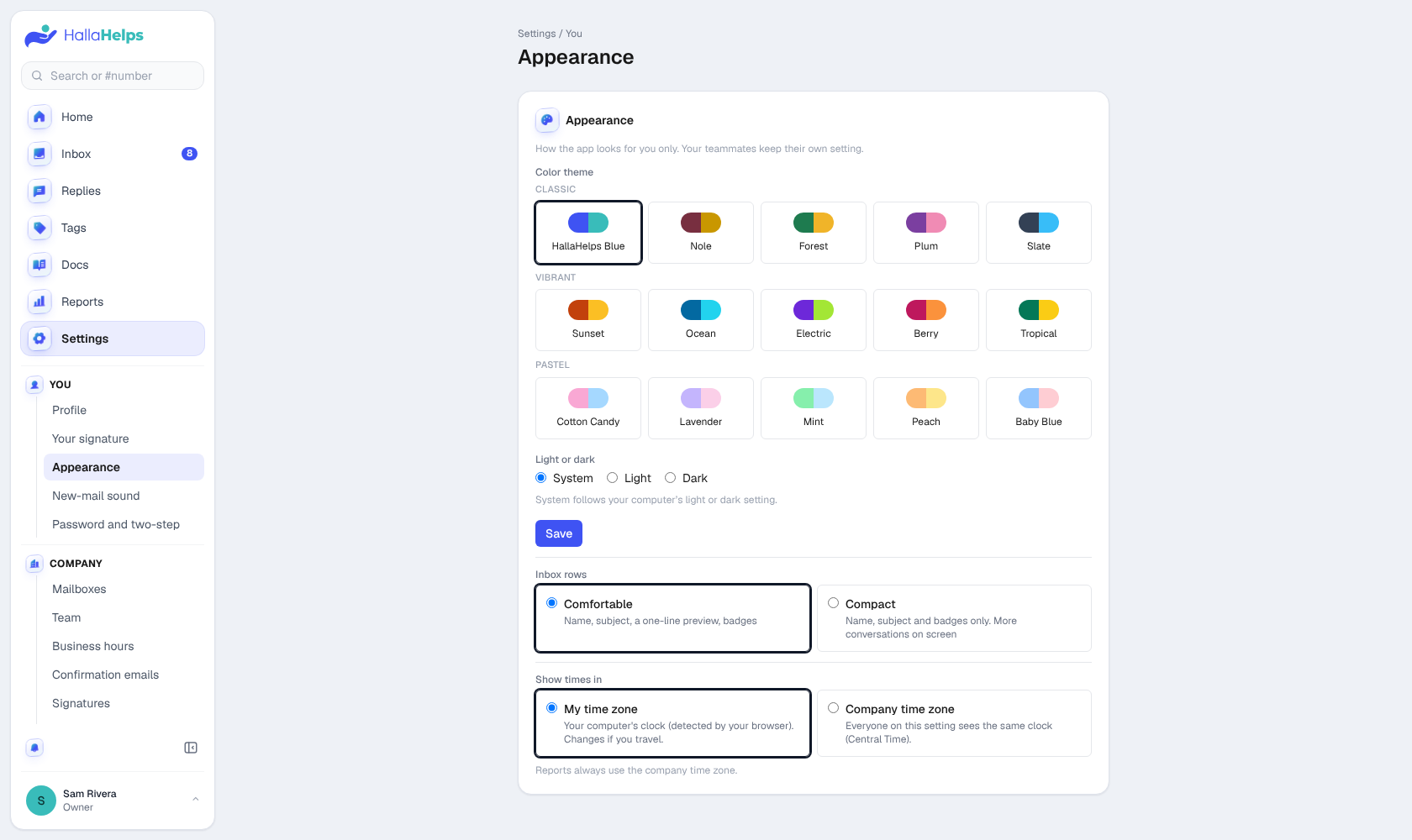
Pick a color theme, light or dark (or follow your device), comfortable or compact inbox rows, and whether times show in your own time zone or the company's.
New-mail sound
Choose from 20 sounds and preview them. The bell at the bottom of the menu turns the sound on or off. This is saved in this browser.
Password and two-step
Change your password, and turn on two-step verification. See Signing in and security.