
Your first conversation
The quickest way to see HallaHelps work is to be your own first customer.
- From a personal email account, send a message to your support address.
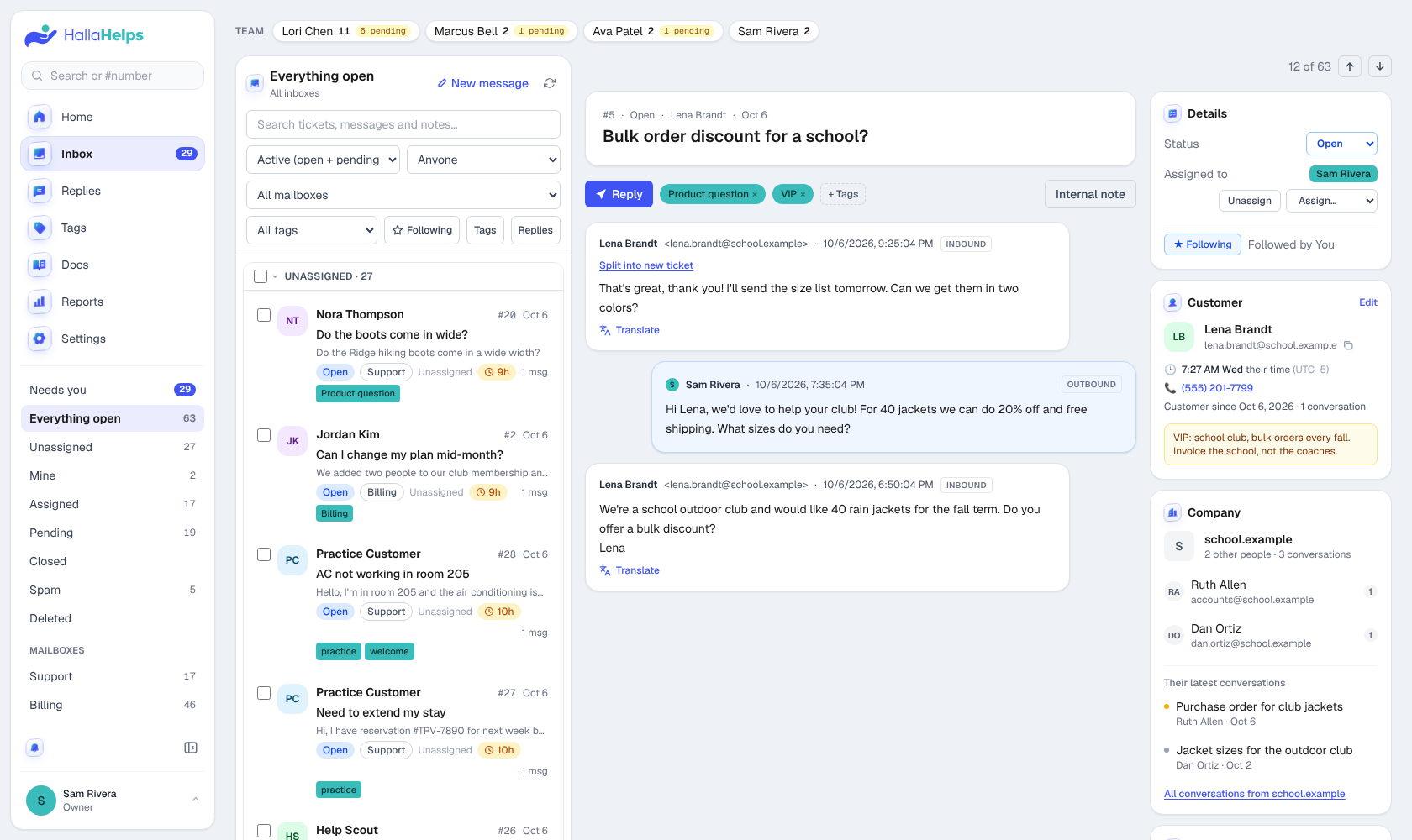
- It shows up in the Inbox within a couple of minutes. Click the sync button at the top of the list to bring it in right away.
- Open it and click Take it to assign it to yourself.
- Click Reply, write your answer and click Send reply. It goes out from your support address.
- Set the status to Closed. If the customer writes back, it reopens on its own.
Hear new mail arrive
Turn on the bell at the bottom of the menu to hear a sound when new mail comes in. Choose from 20 sounds in Settings > You > New-mail sound.