Start here: answering customers in about 10 minutes
HallaHelps turns the email address your customers already write to (like support@yourcompany.com) into a shared inbox your whole team can work from. Nothing changes for your customers: they write to the same address, and your replies still come from it.
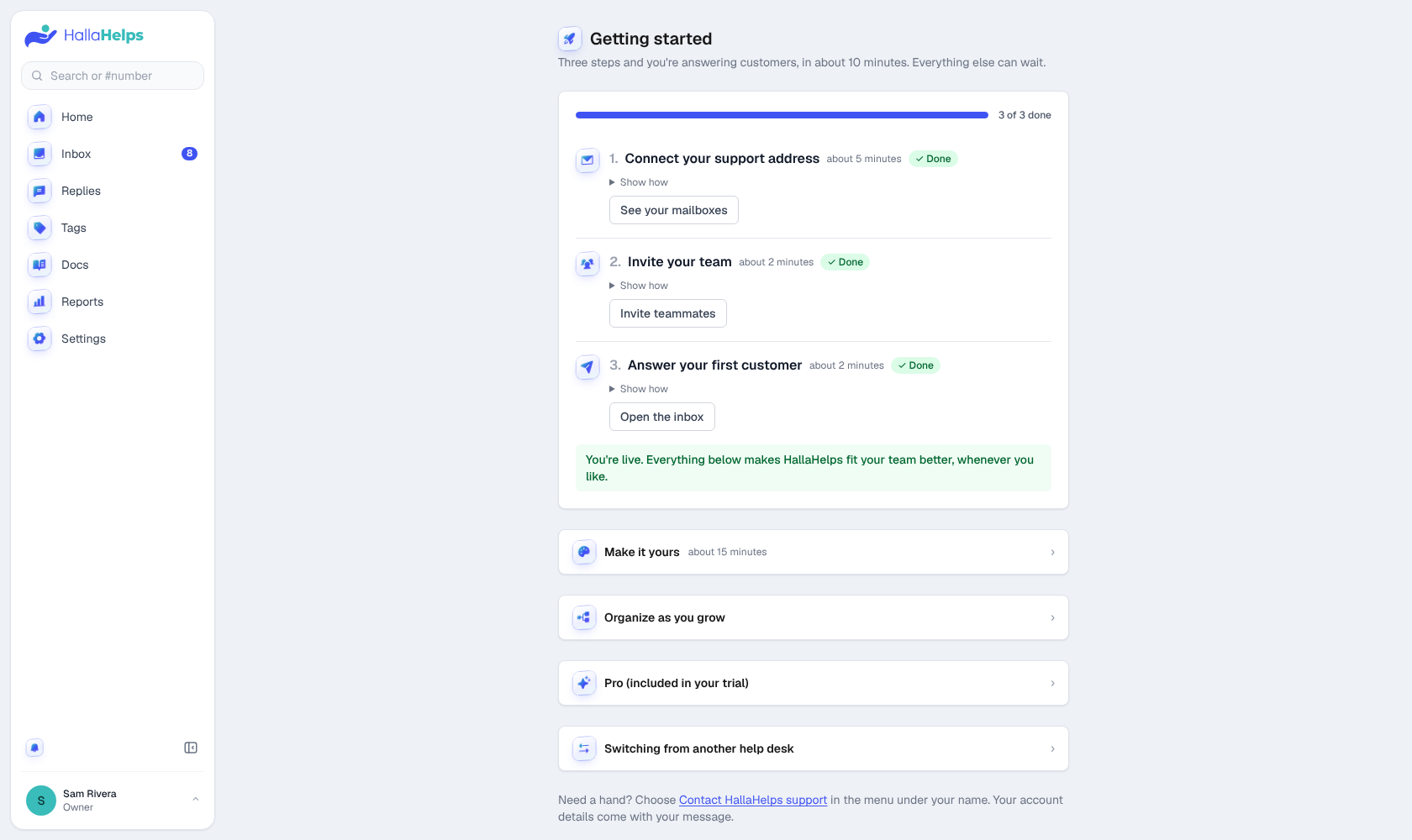
Three steps get you answering customers. Everything else can wait.
- Connect your support address (about 5 minutes). See Connect your support mailbox.
- Invite your team (about 2 minutes). Working solo? Skip it. See Invite your team.
- Answer your first customer (about 2 minutes). See Your first conversation.
You'll find the same checklist in the app under your name at the bottom of the menu, then Getting started. The steps tick themselves off as you go.
The quick tour
The first time you sign in, HallaHelps offers a one-minute tour that points out the inbox, a conversation, replies and notes, the Details panel, Settings and Home. Skip it if you like; you can take it any time from the menu under your name, Take the tour. The Help center link in the same menu opens these articles.
A brand-new company gets two sample conversations (from Jamie and Taylor) so there's something to try things on: assign them, add notes, change the status. Nothing is ever emailed from them. Open one and click Remove samples when you're done.
When you sign in
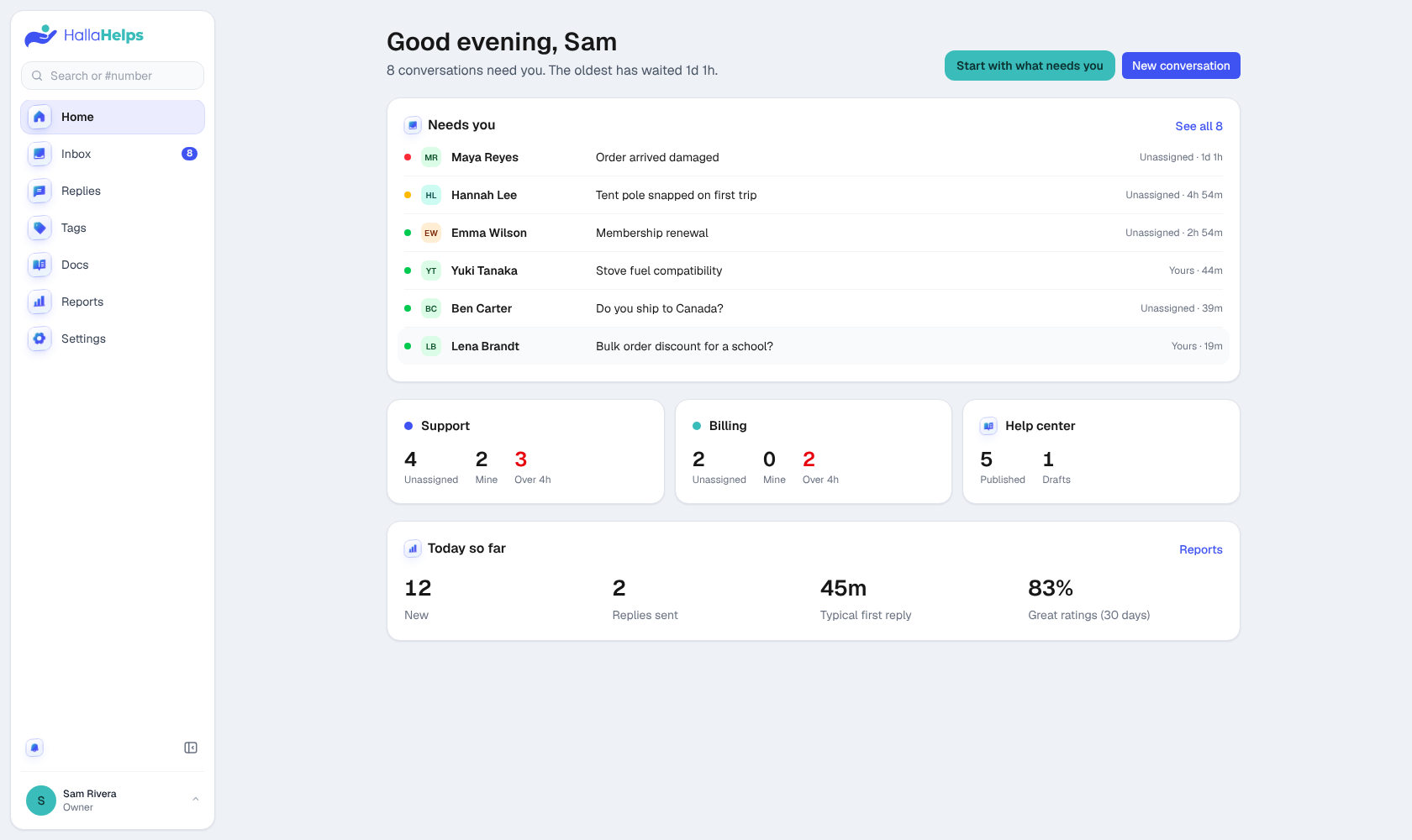
You land on Home, which shows what needs you right now, how each mailbox is doing, and today's numbers.